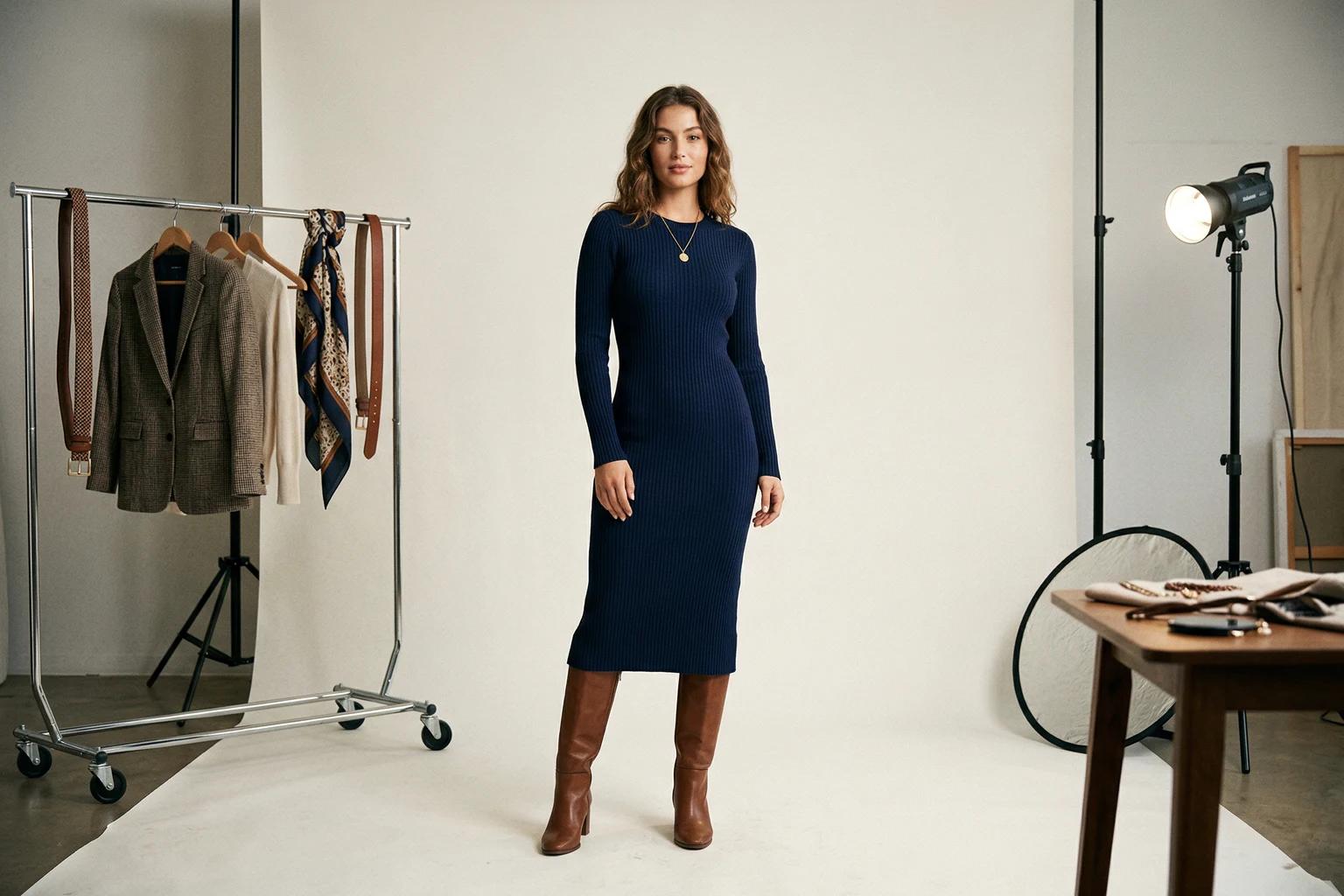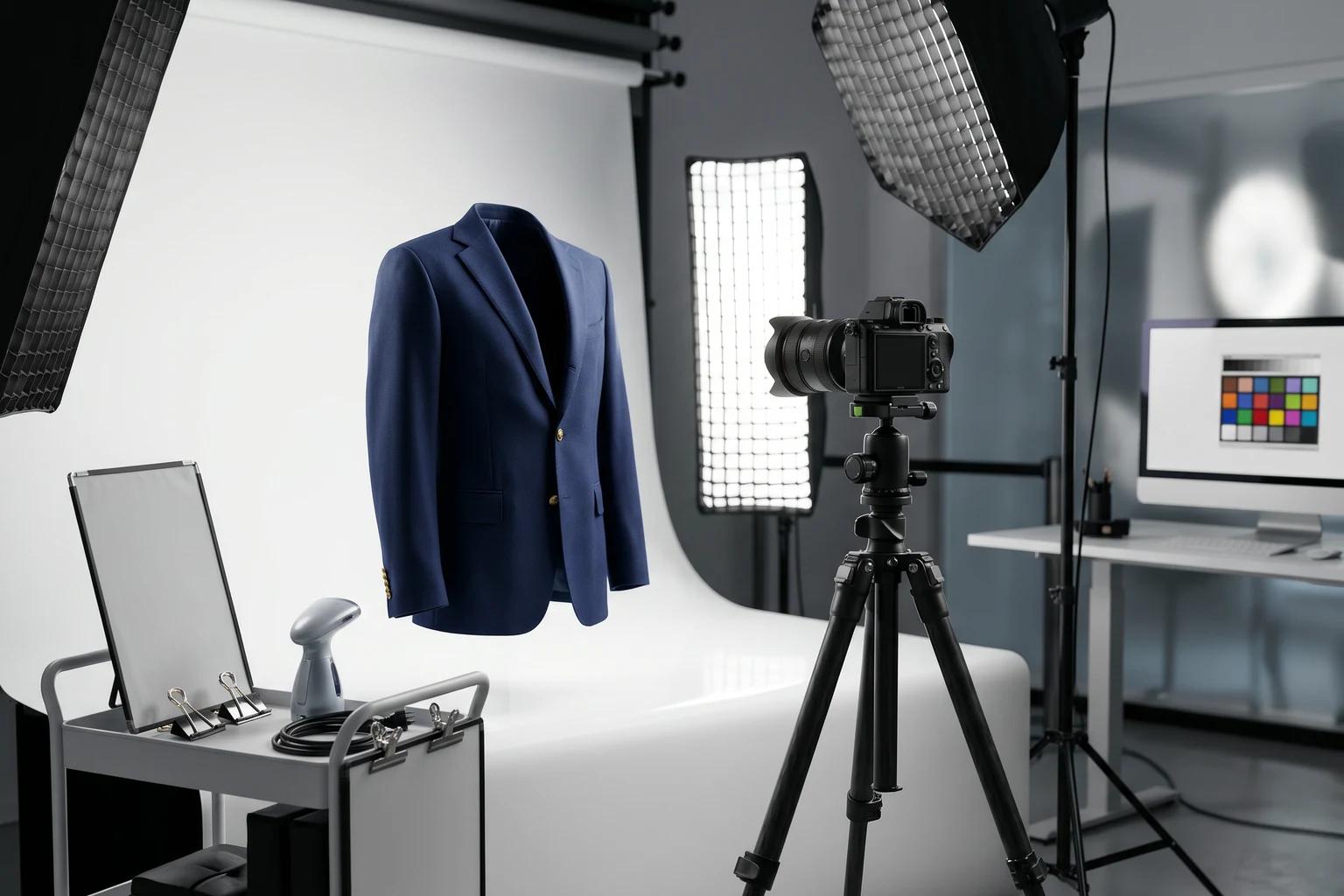
Most clothing product photography advice is either too basic or too aspirational. One end tells you to use good lighting and a clean background, which is true but not especially useful. The other end assumes a large studio budget, a dedicated crew, and endless retouching time, which is not how most growing fashion brands actually operate.
What apparel teams need is a set of practical photography habits that improve the output without making production heavier than it needs to be. Those habits matter even more now because one source image often feeds multiple downstream uses. It may go to the product page, paid social, email, wholesale, and AI assisted creative workflows. If the starting file is weak, the weakness multiplies. If the starting file is solid, the value multiplies too.
That is why product photography discipline is no longer only about the original shot. It is about every asset that shot may support later.
Start by defining what the image needs to do
Before discussing lights, lenses, or styling, decide what role the image will play. A primary product image for ecommerce needs different strengths than a campaign image or a social post. A source image intended for later transformation needs different discipline than a one time editorial crop.
This matters because many brands accidentally shoot for mood when they really need utility. They create a beautiful image that is hard to reuse, hard to crop, and hard to adapt later. If the main goal is to support sales across several channels, clarity should lead.
Once that is clear, the rest of the setup gets easier.
Garment preparation is not optional
The fastest way to ruin a product image is to start with a garment that is not ready. Wrinkles, twisted seams, stretched collars, folded hems, lint, and uneven sleeves all show up more than teams expect. Even when those details look minor on set, they become much more noticeable once the image is part of a product grid or fed into another workflow.
This is not glamorous work, but it is high leverage work. Steam the piece. Straighten the lay. Check the sleeve symmetry. Make sure closures sit correctly. Remove lint and stray fibers. If the product includes multiple pieces, make sure each one reads clearly instead of blending together.
Every minute spent here saves much more time in retouching and reshoots.
Use lighting that tells the truth
For clothing product photography, honest light is better than dramatic light most of the time. The goal is to show texture, color, and structure clearly. Harsh shadows may create mood, but they often bury the information customers actually need. The same is true of lighting that blows out whites or makes dark garments collapse into one flat shape.
Soft, even illumination usually works best for apparel. It helps maintain confidence in color and form. It also gives the file more long term value because it can be adapted for more uses later. If the image already carries heavy contrast and stylized shadow, you have less flexibility.
Many teams overcomplicate lighting because they think premium means complex. In commerce, premium often looks simple, controlled, and calm.
Choose backgrounds that stay out of the way
The best background for a clothing product photo is usually the one people barely remember. That may sound uninspiring, but it is often exactly right. A quiet backdrop keeps attention on the garment and makes downstream editing much easier. It also improves consistency across categories, which matters more than any single image when the shopper is moving through a collection.
Busy props, textured surfaces, and strong environmental cues can all work in the right context, but they should be chosen deliberately. If the image is meant to become a flexible source asset, restraint wins.
This is especially true for flat lay and mannequin photography. The more noise around the item, the harder it becomes to use the image later for comparison, transformation, or alternate channel formats.
[Visual suggestion: clean studio apparel setup showing how a neutral background and stable lighting improve garment readability]
Crop for flexibility, not only for the moment
A common mistake is shooting or cropping too tight too early. A tight crop can look editorial and polished, but it also removes useful information. For dresses, trousers, layered products, and anything where shape matters, that missing context becomes costly. You cannot recover hem length, sleeve finish, or full silhouette once it is gone.
That does not mean every final image should be wide. It means the source image should preserve enough information to support later use. You can always crop in for ads, stories, or detail modules. You cannot easily rebuild a missing outline after the fact.
This single habit improves a surprising amount of ecommerce photography.
Standardize camera logic across the catalog
Shoppers rarely look at one product in isolation. They scan categories, compare styles, and move quickly. In that environment, inconsistency becomes distracting. One image may be lower, another tighter, another darker, another more angled. None of those choices is fatal alone, but together they make the catalog feel less trustworthy.
That is why camera logic should be standardized as much as possible. Decide on typical height, distance, framing, and product orientation for each asset type. This does not make the work bland. It makes the shopping experience smoother.
Consistency is one of the most underrated forms of polish in fashion ecommerce.
Think in batches, not one offs
A lot of product photography problems happen because brands style and shoot each item as if it were a single independent job. That usually creates drift. One person styles the shirt one way. Another person shoots the dress with a different crop. Another person changes the lighting slightly. By the time the images reach the site, the visual language has fractured.
Working in batches creates discipline. Products in the same family should be prepared, shot, and reviewed against the same standard. That makes the final output more coherent and makes problems easier to spot early.
Batch thinking also matters for newer AI assisted workflows. When source images are consistent, later transformation becomes easier to manage and easier to review.
Review before the set is over
Many small brands move too quickly from capture to upload and assume they will catch problems later. By then the opportunity is often gone. The garment has been packed away. The studio day has ended. The look has changed. The cost of correction has gone up.
The smarter approach is to build a small review loop into the session itself. Check whether the product reads clearly. Check whether the crop makes sense. Check whether the lighting is even. Check for lint, wrinkles, and small distortions. Check whether the image matches the rest of the batch.
You do not need a full committee on set. You need a few disciplined minutes before moving on.
Keep file naming and organization sane
Operational sloppiness creates visual sloppiness later. If your files are hard to trace, if variants are not named clearly, or if retouched and unretouched assets are mixed together, the team will waste time and make avoidable mistakes. This is especially painful when a file later becomes the source for a new crop, a marketplace feed, or an AI assisted image workflow.
Use consistent naming. Group related products and versions cleanly. Make it obvious which file is the approved source and which file is only a test. This may not feel like photography advice, but it has a direct effect on how useful the images remain.
Build a source image standard for future reuse
The most forward looking apparel teams now shoot with reuse in mind. They know the original product photo may later support refreshed model imagery, new backgrounds, channel specific exports, or catalog consistency work. That means the source image should be clean, readable, and stable enough to survive more than one job.
This does not require a full reinvention of the studio process. It requires a simple shift in mindset. Instead of asking whether the image is good enough for today, ask whether it will still be useful three months from now in another context. That question changes decisions in a healthy way. It also connects directly to how to standardize apparel product images across your catalog, because reusable source files are what make consistency possible at scale.
If you already have source material and need help judging it, the UNSTILL photo prep guide is built around exactly that problem.
A simple checklist that saves real money
Before approving a clothing product photo, ask:
- Is the garment clearly readable.
- Are key edges, seams, and proportions visible.
- Is the lighting balanced enough to trust color and structure.
- Is the crop flexible enough for future use.
- Does the image match the visual logic of the rest of the catalog.
- Is this the kind of source file you would be happy to reuse in another workflow.
If the answer is no on several points, the fix is usually cheaper now than later.
The practical takeaway
Good clothing product photography is not about perfection. It is about repeatable clarity. When the garment is prepared well, lit honestly, framed sensibly, and reviewed with discipline, the image becomes more useful everywhere. It performs better on the site. It reduces retakes. It supports other teams more easily. And it creates better raw material for every downstream asset you may want to build later.
That is the standard worth aiming for. Not a beautiful exception. A reliable system that makes each photo work harder for the brand. If you want to pressure-test that standard with your own catalog, pair a tighter capture workflow with Unstill so the same source image can support refreshes, PDP assets, and faster channel adaptations. Start with one product set and see how far a cleaner source file can travel.