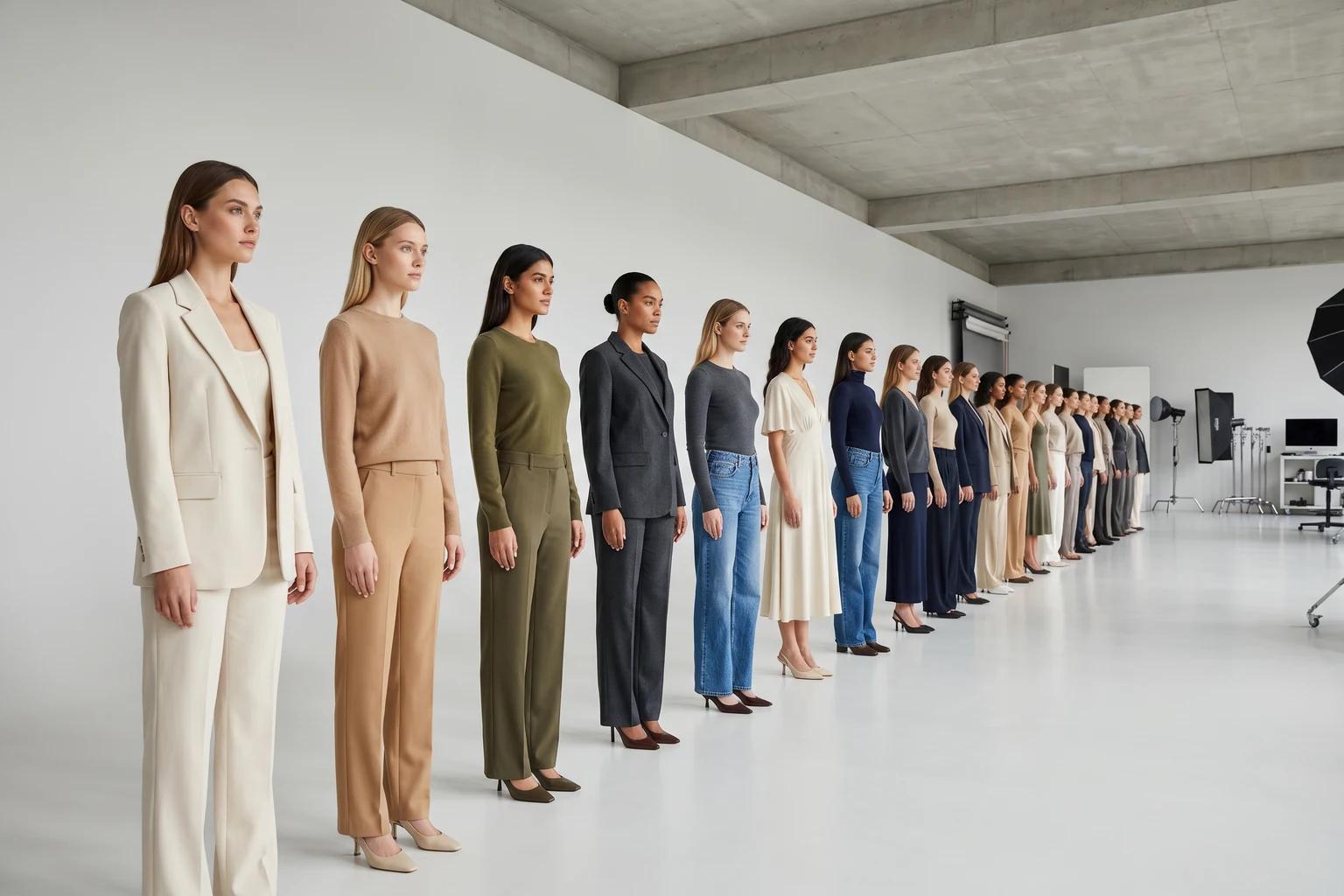
A lot of fashion teams do not lose catalog consistency because they lack taste. They lose it because inventory moves faster than production.
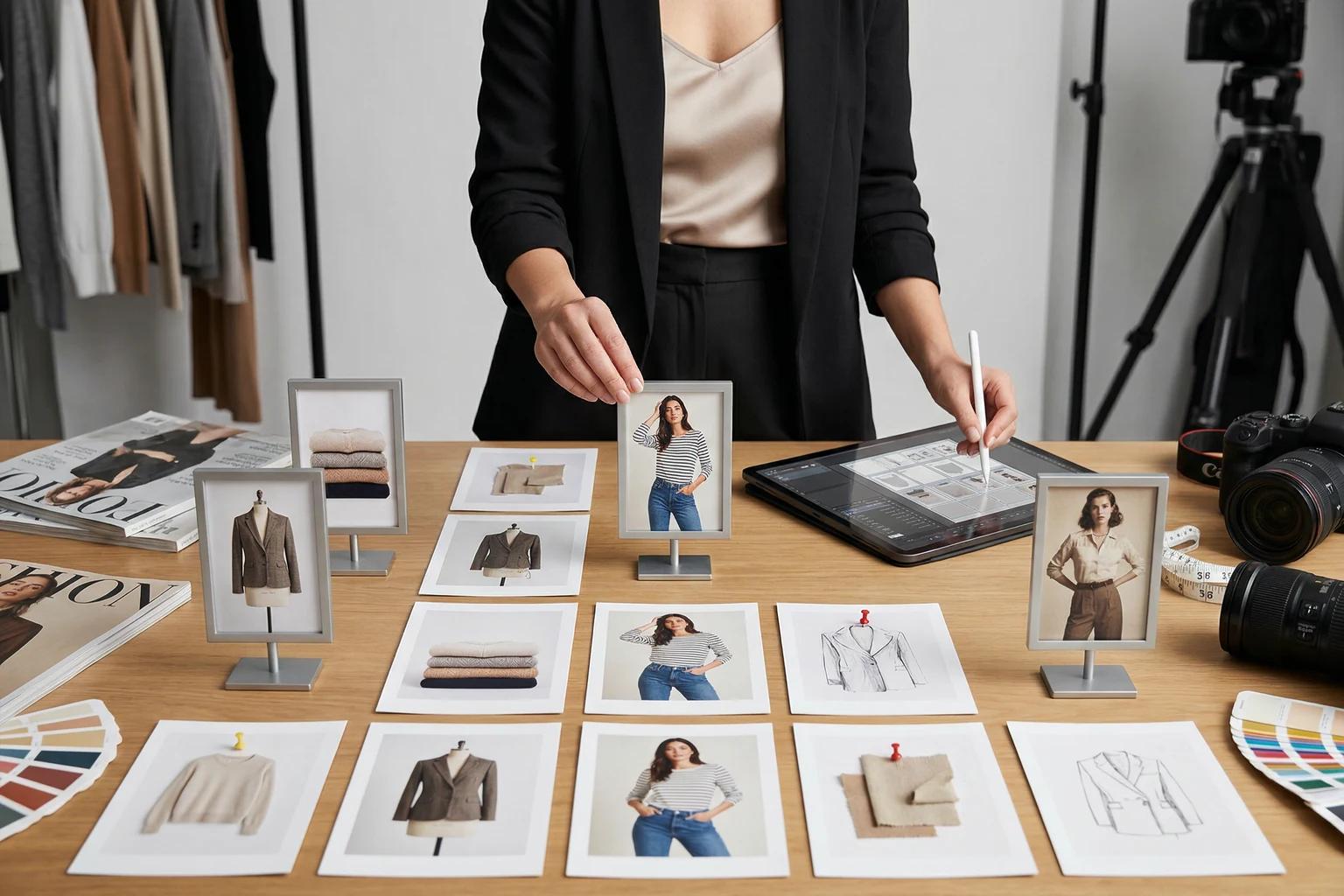
A new drop comes in with mixed source assets: a few clean on-model shots, some flat-lays from development, a mannequin set from wholesale, and a handful of products that still need campaign-ready images. If those assets go live as-is, the catalog starts to look stitched together instead of intentionally merchandised.
That matters more than most teams admit. Shoppers read your visual system before they read your product copy. When the imagery feels uneven, the brand feels less certain. This article breaks down how to keep your product visuals cohesive, even when you cannot reshoot every SKU.
Why consistency matters more than perfection
Most customers do not evaluate one image at a time. They move from collection grid to PDP to retargeting ad, and they make fast judgments based on how stable the brand looks across those touchpoints.
When visual treatment shifts too much from product to product, a few things happen:
- Fit becomes harder to interpret because crop, pose, and garment scale keep changing.
- The catalog feels less premium, even if individual images are technically good.
- Campaign assets stop feeling connected to the product page experience.
- Internal teams spend more time debating one-off fixes than improving the overall system.
In fashion ecommerce, consistency is not about making every image identical. It is about making the shopper feel like every image belongs to the same brand, the same season, and the same merchandising logic.
What should stay fixed across the catalog
If your team wants a more coherent catalog, start by defining what should remain stable across categories. This is the part many brands skip. They focus on getting more images, but not on deciding what those images should consistently communicate.
A useful consistency framework usually includes these five elements.
1. Framing
Decide how close the customer should be to the garment.
For example, if dresses are usually shown full-length with clean leg visibility and centered posture, keep that rule stable. If knit tops are typically framed from mid-thigh up to emphasize neckline and drape, do not drift into random waist crops just because a new SKU arrived late.
2. Background logic
Your background should support the selling job of the image.
For PDPs, a clean and controlled backdrop usually helps the garment read faster. For collection pages or paid social, you may allow more atmosphere. The key is not using a different mood for every product without a reason. If your team needs a sharper rule for that choice, clothing photo background ideas that help conversions breaks down where quiet backdrops outperform more expressive scenes.
3. Pose families
Not every product needs the same pose, but every category should have a pose logic.
Tailored trousers may need a stance that shows leg line and rise clearly. Oversized outerwear may need slight movement so volume reads correctly. Soft dresses may benefit from a front-facing hero plus one motion-based secondary image. Once you decide that, apply it consistently. This gets much easier when the team shares the same pose rules, which is why fashion model poses for ecommerce product pages is a useful companion to this workflow.
4. Model logic
This is where many catalogs quietly break.
If one part of the assortment uses polished, minimal poses and another suddenly shifts to a different casting style, expression, or body proportion without a merchandising reason, the catalog feels fragmented. Model selection should be a brand system, not a series of unrelated choices.
5. Retouching and color handling
Even strong images can look mismatched when brightness, contrast, shadow depth, or fabric color rendering varies too much from set to set. Customers may not describe that as a retouching problem, but they will feel it as uncertainty.
How to build a no-reshoot consistency workflow
Once the rules are clear, the next step is operational. The goal is not to create perfect assets from scratch every time. It is to close visual gaps quickly, using the assets you already have.
1. Audit what you already own
Before commissioning new photography, sort your existing product imagery into practical buckets:
- Clean on-model images that already match the current brand standard
- Flat-lays that are accurate but not strong enough for primary selling use
- Mannequin shots that show shape well but feel incomplete
- Legacy on-model images that need casting or background alignment
- High-priority SKUs launching soonest
This prevents teams from overspending on reshoots when the real issue is inconsistency, not total asset absence.
2. Choose the hero image type by product category
Different garments need different primary presentations.
A fitted blazer may benefit from a sharp front-facing on-model hero. A lounge set may need a more relaxed posture that shows proportion without losing clarity. A structured dress may need a stiller frame than a fluid maxi silhouette.
The mistake is forcing one universal image style across every product. The better approach is to set category-level rules, then stay disciplined within them.
3. Build templates, not one-off fixes
Your team should be able to answer these questions quickly for every new SKU:
- What is the primary image format for this category?
- Which background family does it use?
- Which pose type best explains the garment?
- Which model presentation fits this brand and assortment?
- What secondary image variation is allowed?
That turns visual production into a repeatable system instead of a series of last-minute decisions.
4. Use AI to standardize the gaps
This is where AI becomes genuinely useful for fashion teams.
If you already have flat-lays or mannequin shots, a tool like Unstill can help turn them into on-model visuals that match the broader catalog direction. If legacy images feel out of step with newer launches, model swaps or background adjustments can bring them back into the same visual language without rebuilding the whole shoot calendar.
The value is not just speed. It is control. You can use AI to make mixed source assets feel intentionally merchandised rather than patched together.
[Visual suggestion: merchandising grid showing flat-lay, mannequin, and legacy on-model images normalized into one consistent catalog system]
5. Review at the grid level, not only the image level
A single image can look fine in isolation and still weaken the catalog.
Review new visuals in the context where shoppers will actually see them: collection grids, search results, PDP carousels, email blocks, and paid social crops. That is where inconsistency becomes obvious.
A practical rule: if a new asset calls attention to itself for the wrong reason when placed beside ten neighboring SKUs, it is not ready yet.
Where controlled variation actually helps
Consistency should make the catalog feel coherent, not lifeless. Some variation is useful when it serves a clear business purpose.
PDP images
This is where clarity wins.
Prioritize garment readability, fit cues, texture visibility, and stable framing. The customer should understand the product quickly and trust what they are seeing.
Collection pages and merchandising edits
Here, you can add a little more rhythm.
A slightly more expressive pose, a cleaner sense of motion, or a more elevated background can help the assortment feel styled rather than purely functional. The important thing is that the shift still feels related to the PDP system.
Paid social and campaign refreshes
This is where you can push mood further, as long as the garment still feels connected to the product truth.
If a product already has a solid on-model still, extending it into fresh backgrounds, alternate casting, or short motion-led creative can give the marketing team more room to test without rebuilding the entire asset pipeline. For brands working quickly, Unstill is especially useful here because the same visual base can stretch across ecommerce, ads, and motion-friendly outputs.
The takeaway
Catalog consistency is not a luxury for large brands with big shoot budgets. It is a practical merchandising advantage.
When your imagery follows a clear system, shoppers understand products faster, the brand feels more credible, and internal teams make better creative decisions with less friction. The smartest move is not always another reshoot. Often, it is a tighter visual framework and a faster way to bring mixed assets into line.
If your team is working from flat-lays, mannequin shots, or mismatched legacy images, try Unstill to turn them into faster, more consistent fashion visuals across your catalog.