The real job of selection inside UNSTILL
Most teams treat model, pose, and background selection like a gallery problem. They look for the image they personally like best. That is understandable, but it is not the best way to use UNSTILL. These choices are really a merchandising problem. They decide what a customer notices first, how fit is understood, and whether the image feels consistent with the rest of the catalog.
If you want the app to produce output that looks branded rather than accidental, make each choice answer a specific question. Which customer should feel represented here. What fit detail needs to be obvious. Should the image prioritize PDP clarity or channel energy. When those answers are clear, the interface becomes much easier to use.
Start with the role of the image
Before you pick a model, decide where the image is going.
A primary PDP image usually benefits from clean poses, stable framing, and a background that keeps the garment obvious. A collection page card needs strong recognition at small sizes. Social assets can afford a bit more visual personality. Email and paid creative often work best when the garment is still easy to understand but the scene has slightly more atmosphere.
The same garment may deserve different combinations for different destinations. UNSTILL is most useful when you accept that from the start instead of searching for one image that has to do every job at once. If your team is planning around product page performance first, how to build a fashion PDP image sequence that helps shoppers decide faster is a useful way to define what the first image actually needs to accomplish.
How to choose models without making the catalog feel chaotic
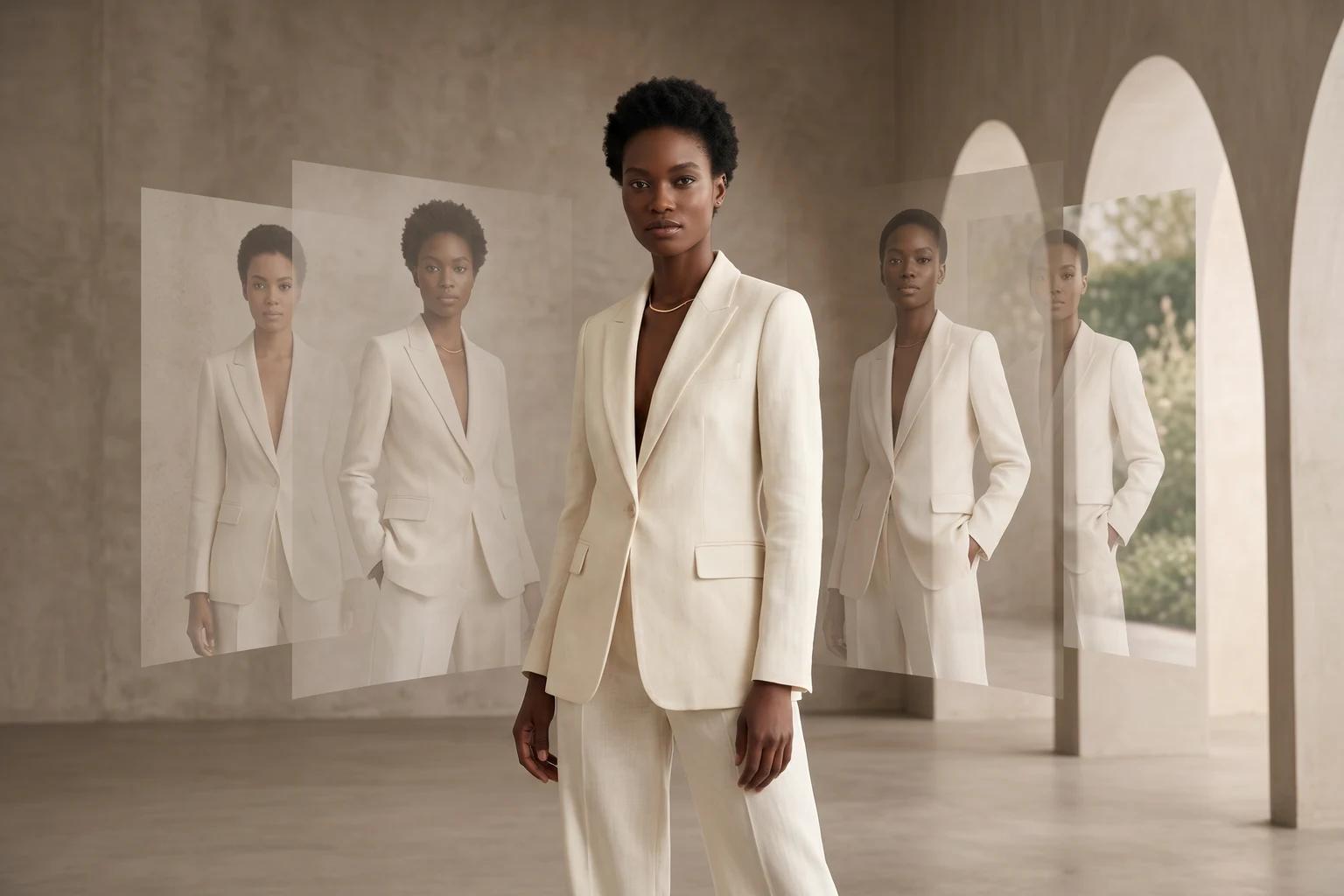
The model gallery allows up to four selections, plus filters for gender, age group, hair color, ethnicity, and supported sizes. The temptation is to maximize variation because the gallery makes that possible. The smarter move is to create controlled variation.
If the product page already has a clean brand language, select models who belong to the same general visual world. That does not mean choosing people who all look alike. It means choosing people who fit the same level of polish, energy, and wardrobe logic. A refined basics brand usually wants calm, legible presentation. A trend brand may tolerate more attitude. A performance brand may want a stronger sense of movement and stance. Model choice should reinforce that.
When the image is meant to improve representation, avoid turning the page into a random mood board. Use variation with structure.
A practical model selection framework
One simple framework works well for most teams.
First, pick the primary model for the garment. This is the person you believe best expresses the brand and product together.
Second, pick one variation model who expands representation while staying in the same creative world.
Third, only add a third or fourth model if the business question actually needs them. For example, a hero product with broad traffic might justify more range. A niche product test usually does not.
This approach protects both consistency and credit efficiency.
What makes a pose useful in commerce
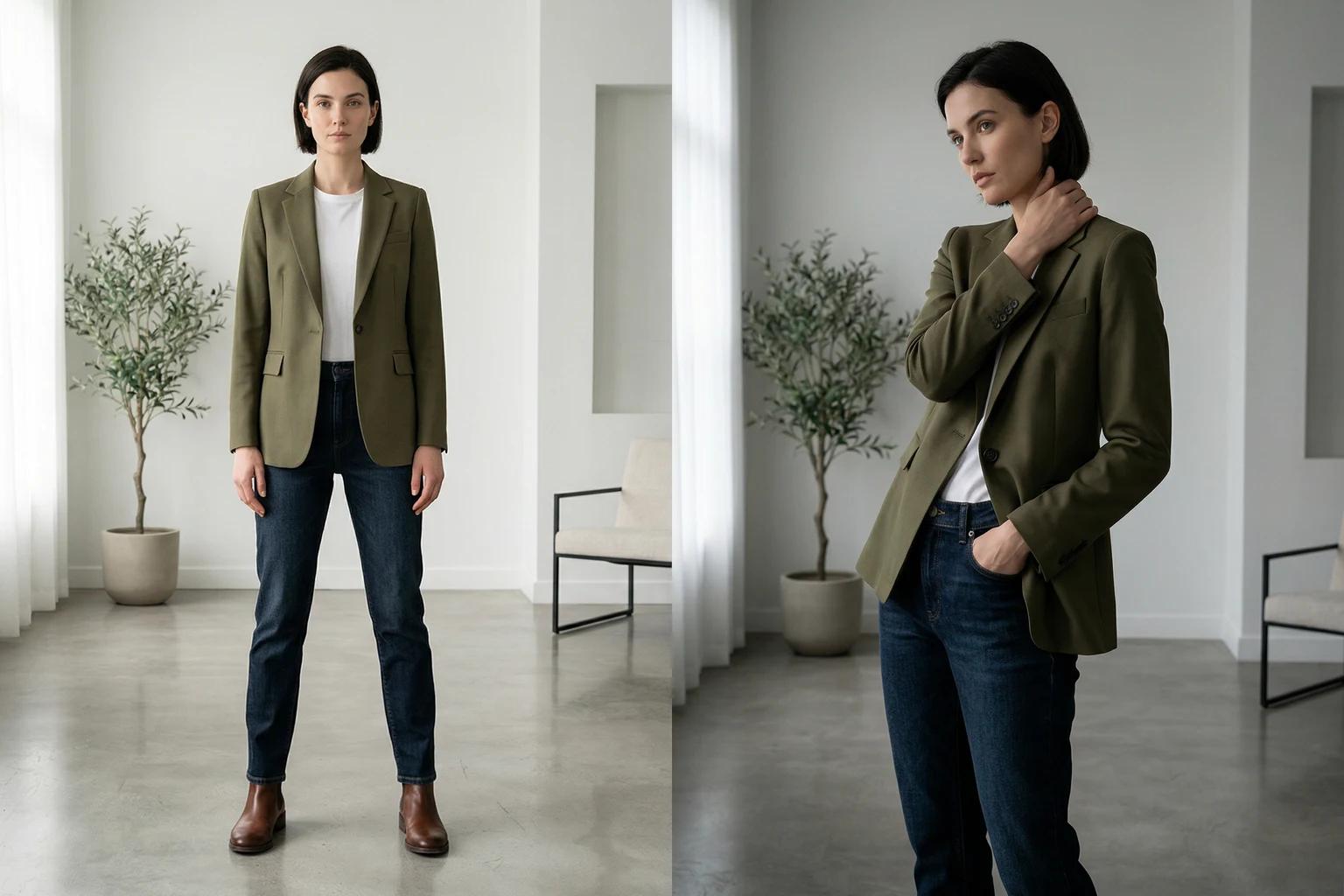
Flat lay and mannequin projects include a pose step, and the app lets you select up to four poses. In practice, one to two good poses usually teach you more than four average ones.
Useful poses do three things. They preserve the shape of the garment. They make fit easier to read. They support the role of the final image. That is why straightforward standing poses perform so well for product pages. They answer customer questions cleanly.
More expressive poses can be valuable for social or editorial style assets, but they still need to respect the garment. If the pose twists the product beyond recognition, the image may look energetic while doing a poor job of selling the item.
Matching pose to garment type
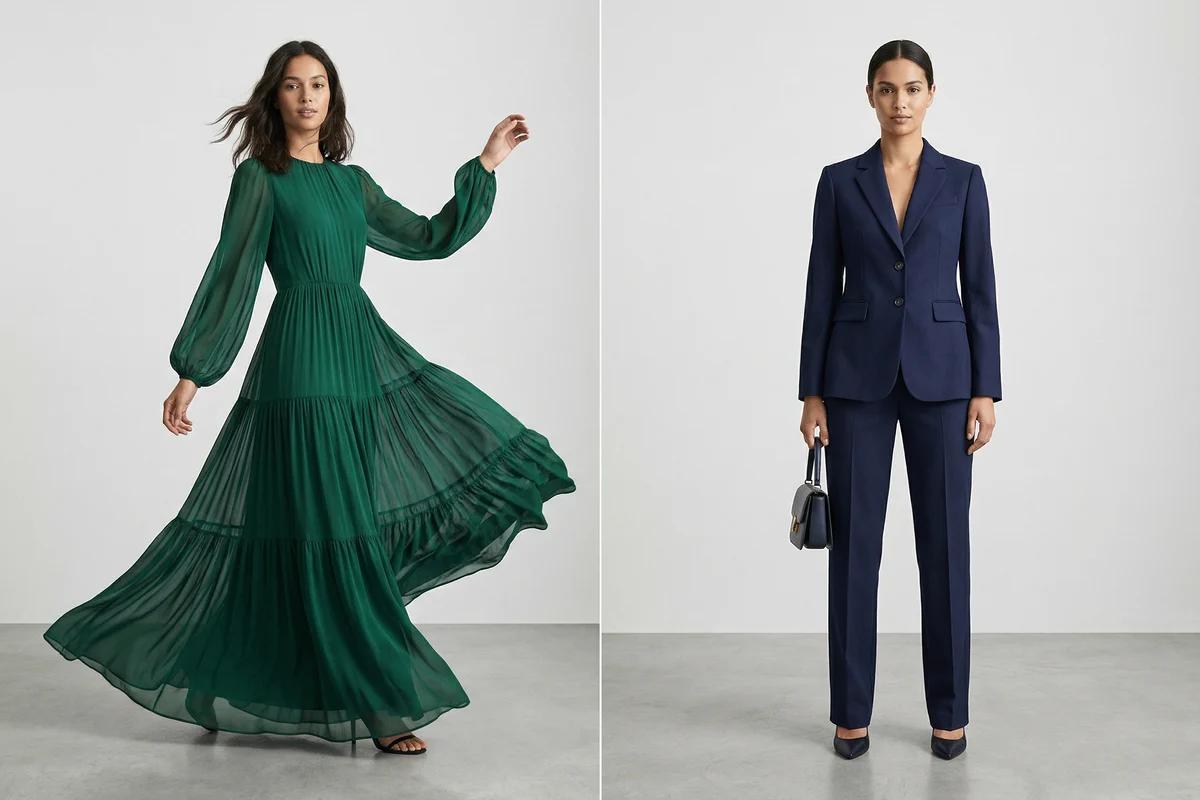
Soft dresses, skirts, and wider leg silhouettes often benefit from movement because it reveals drape. Structured shirts, denim, tailoring, and foundational basics usually benefit from steadier presentation because the shopper wants clarity over flourish. Knitwear can go either way depending on whether the product is being sold on comfort, shape, or styling flexibility.
This is where UNSTILL’s pose picker becomes strategic. You are not browsing abstract pose ideas. You are choosing the frame through which the customer will understand the garment. Start there.
When to use simple backgrounds
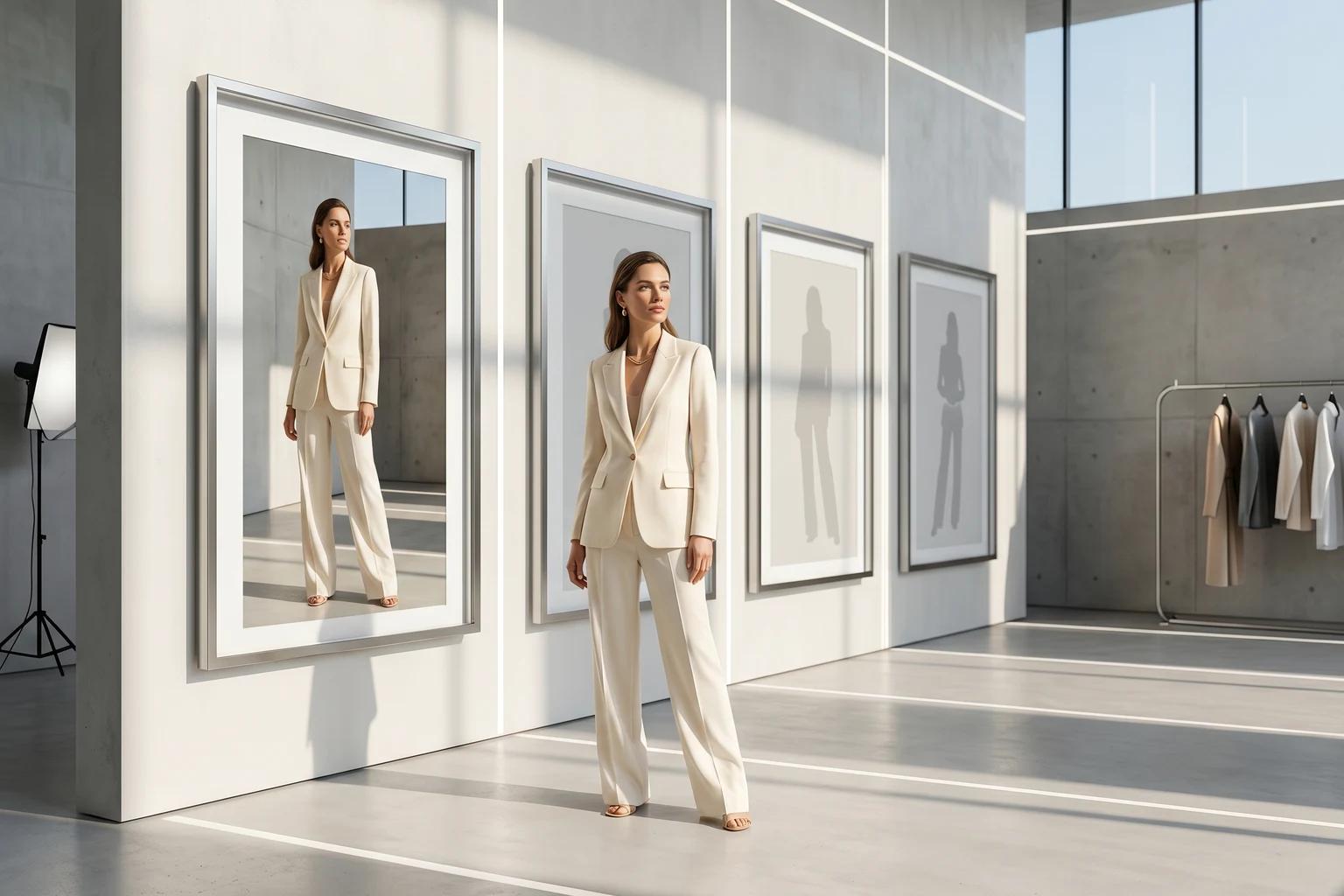
Simple backgrounds win more often than teams expect. They help the garment read, they age well across the catalog, and they make it easier to compare different products side by side. A clean backdrop is especially useful when you are building foundational ecommerce assets that need to stay useful beyond one campaign window.
If your product photography already carries a premium silhouette and good light, you usually do not need a dramatic setting to make it feel elevated. Clean execution is enough. If you want a sharper breakdown of backdrop logic by channel, clothing photo background ideas that help conversions covers where scenes help and where they simply add noise.
When scenes make sense
Scene backgrounds work when the destination justifies them. Social, launch email, landing pages, lookbooks, and campaign modules can all benefit from a more expressive environment. The trick is not to confuse scene selection with brand direction. A good scene should still feel like it belongs to the same brand world as the garment.
For example, if the label is minimal and quiet, the scene should not suddenly become loud and hyper decorative. If the brand sells outdoor utility, a completely generic luxury interior may weaken the message. The environment has to support the product story, not overwhelm it.
The original background option for on model work
In on model projects, UNSTILL can preserve the original background from the source image. That is a useful option when the existing environment already works and the real objective is model variation rather than environmental change. It is often the fastest way to extend older catalog imagery without changing the whole visual premise.
This is especially useful for brands that already have a functioning library of clean editorial or ecommerce shots but want broader representation, faster refreshes, or a second wave of launch assets from the same source material.
Build a repeatable visual system, not one off wins
The best teams do not choose model, pose, and background from scratch every time. They develop a handful of combinations that work for specific jobs. One model and pose family may work for tops. Another may work better for dresses. One background category may be the default for PDP work, while another is reserved for social creative.
That kind of repeatability matters because brand perception is cumulative. Customers rarely judge visual quality from one image alone. They judge it from the way the whole catalog hangs together.
How to test without wasting credits
If you are trying to learn what works for your brand, avoid large matrix tests at the start. Instead, isolate one variable at a time. Keep the garment and background fixed, then compare two models. Or keep the model fixed and compare two poses. Or keep model and pose stable, then compare backdrop versus scene.
This makes the results legible. It also helps your team discuss the output in concrete terms. Instead of saying one image feels better, you can say the cleaner pose improved fit readability or the simpler background made color more trustworthy.
Those are useful observations. They help build a house style inside the app.
A practical default setup for most brands
If your team needs a default pattern, this is a reliable place to start.
Choose two models who fit the same brand world but offer useful representation range. Choose one pose that makes the garment easy to understand. Choose a clean backdrop unless the asset is clearly meant for a campaign or social context. Generate a small batch. Review not only which image looks nicest, but which one makes the product easiest to shop.
That question keeps the workflow grounded.
What to look for in review
During review, ask whether the model choice supports the customer, whether the pose supports garment understanding, and whether the background supports the intended destination. If an image fails, identify which layer failed before you rerun. Too many teams blame the model when the real issue was the pose, or blame the background when the source garment was never clear.
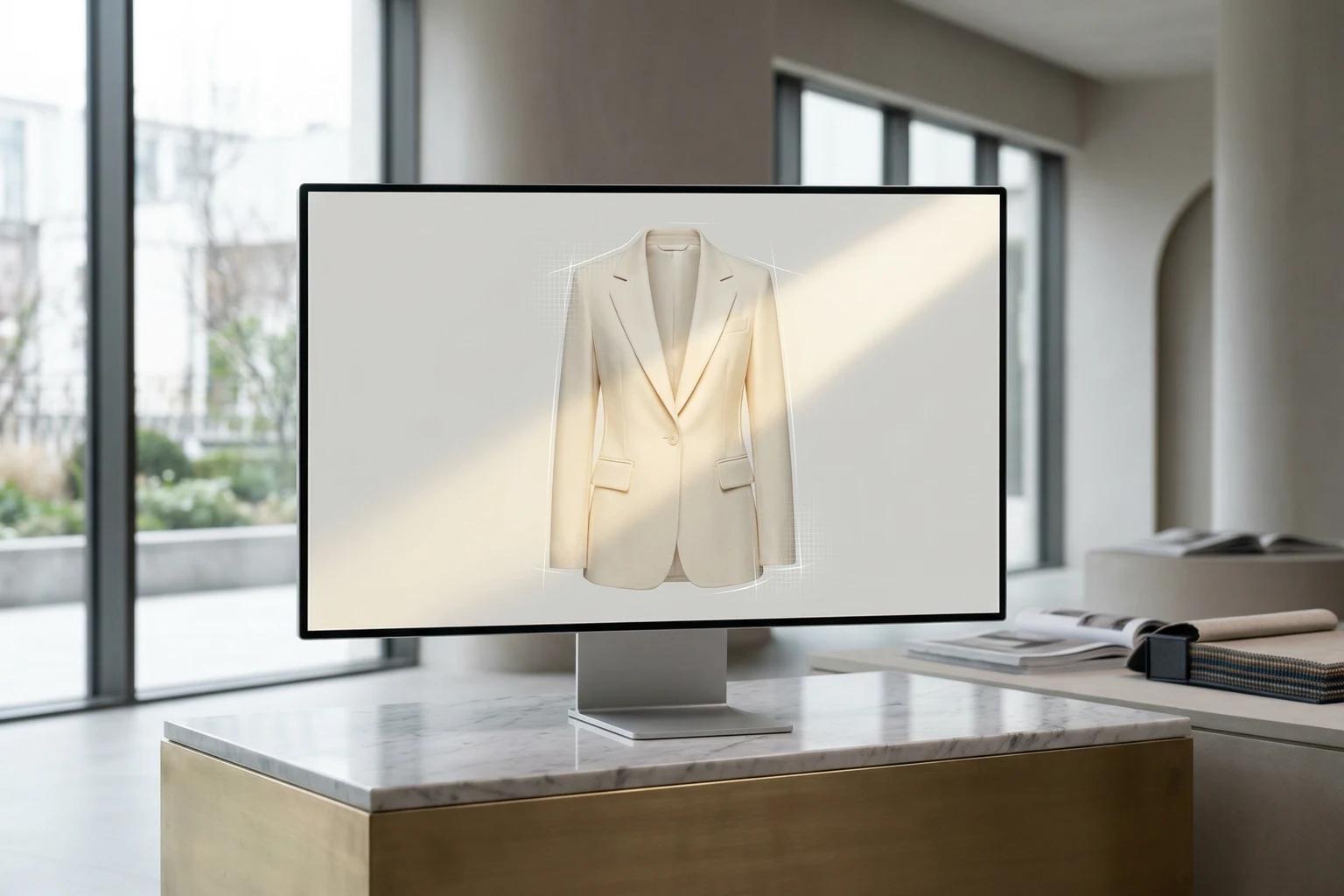
UNSTILL becomes much easier to scale once review is framed this way. Every generation teaches the next decision. That review is also much more reliable when the source file is strong, which is why how to prepare product photos for the best UNSTILL results belongs in the same operating playbook.
Final takeaway
Model, pose, and background selection is where taste meets systems thinking. Done casually, it produces inconsistent output and wasted credits. Done well, it creates a library of repeatable combinations that help the product read clearly, support brand identity, and speed up production across the catalog.
That is the real opportunity. Not just more images, but better decisions repeated consistently. If you want to put that into practice, use Unstill to test one controlled combination on a live product set before you widen the matrix.