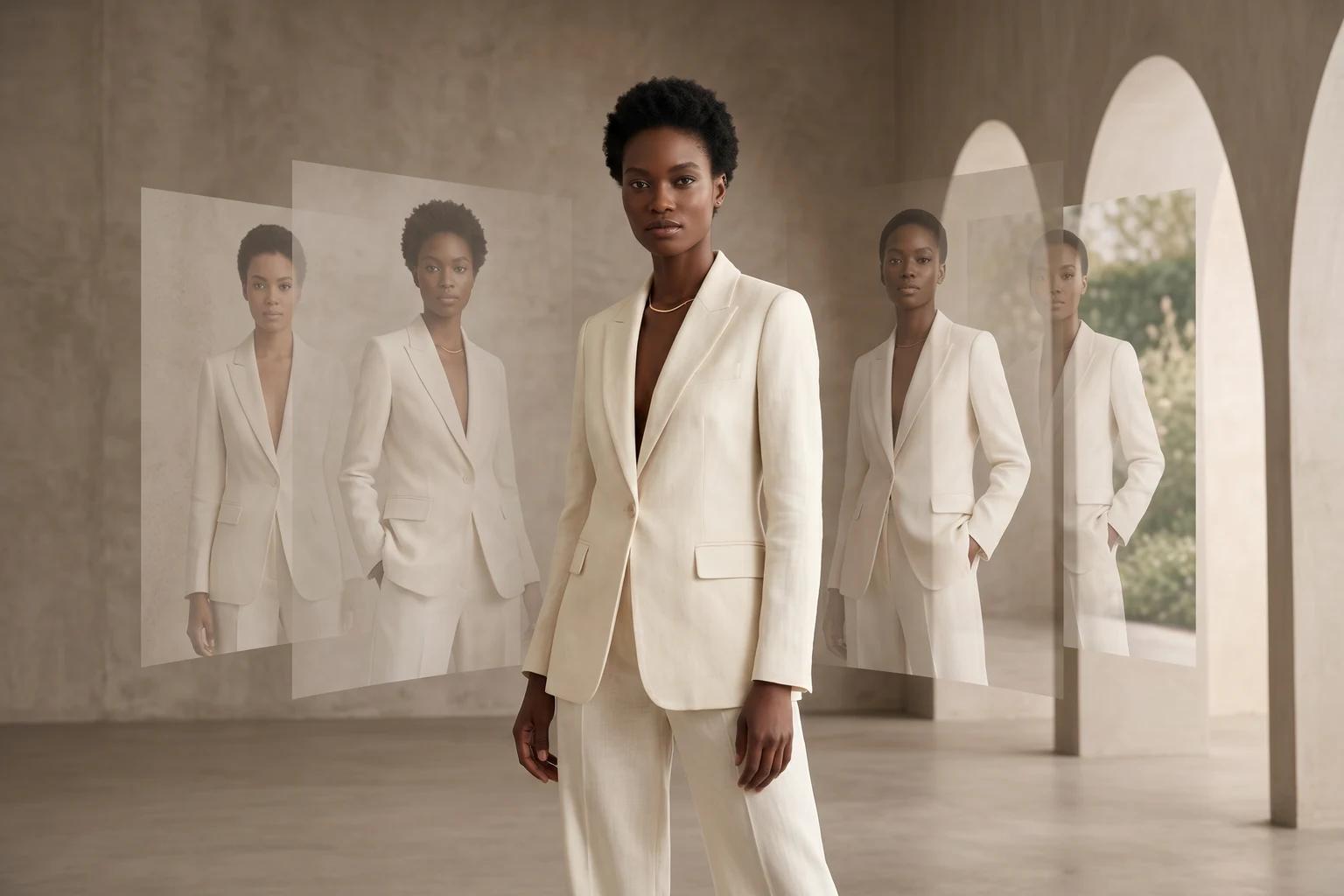
Many fashion teams want broader model representation in the catalog. They hesitate because they assume diversity will make the site feel less consistent.
That usually happens for one reason: the team changes too many variables at once. The model changes, but so do the crop, the pose energy, the lighting, the styling, and the background treatment. What should feel like a stronger brand decision ends up looking like mixed production.
The fix is not to narrow representation. It is to tighten the system around it. When the visual rules stay clear, you can expand who appears in your imagery without making the assortment feel scattered. This guide breaks down how to do that across PDPs, collection pages, and launch content.
Representation works best when it is part of the visual system
Shoppers do not experience representation and catalog consistency as separate ideas. They see the whole page at once.
If one group of products uses clean front-facing ecommerce framing and another suddenly shifts to looser crops or more editorial styling, the problem is not the model mix. The problem is that the catalog has stopped following one merchandising logic. That is the same discipline behind How to Keep Product Images Consistent Without Reshooting Every SKU. The brand should feel intentional first, then expressive within that structure.
This matters even more in fashion because body context does real commercial work. A shopper may want broader representation, but they still need the garment to read clearly. They still need to compare silhouette, fit, and styling cues quickly. Diversity should improve that shopping experience, not add noise to it.
Decide what stays fixed as model representation changes
The easiest way to scale representation cleanly is to separate fixed variables from flexible ones.
Your models can vary. Your catalog rules should not.
Keep framing stable
If trousers are usually shown full-length with visible hem and rise, hold that rule. If knit tops are usually framed from mid-thigh up, hold that rule too.
Framing is what keeps products comparable across different bodies. When it changes randomly, the customer stops comparing the garment and starts comparing the photography.
Keep pose families tight
Different models do not need identical body language, but they should belong to the same pose family for the same product job.
A PDP hero for a blazer might call for a steady front-facing stance. A browse image for a dress might allow a little more motion. The key is repeatability. If you are still defining those standards, How to choose models, poses, and backgrounds that fit your brand in UNSTILL is the right operating guide.
Keep styling and art direction controlled
Representation should not require a new aesthetic for every image set.
Hair, makeup, wardrobe layering, jewelry, and background mood can all shift the feel of the catalog quickly. If your brand sells polished essentials, keep the styling language polished across the full model range. If it sells trend-driven pieces, let the energy rise, but keep the same level of polish and product readability.
Keep garment truth non-negotiable
This is where good intentions can still go wrong. If the garment fit, proportion, or construction starts reading differently from image to image, shoppers will notice the inconsistency before they can explain it.
Representation should widen the customer’s sense of who the product is for. It should not weaken trust in what the product actually looks like. That is why review standards still matter, especially when AI is part of the workflow.
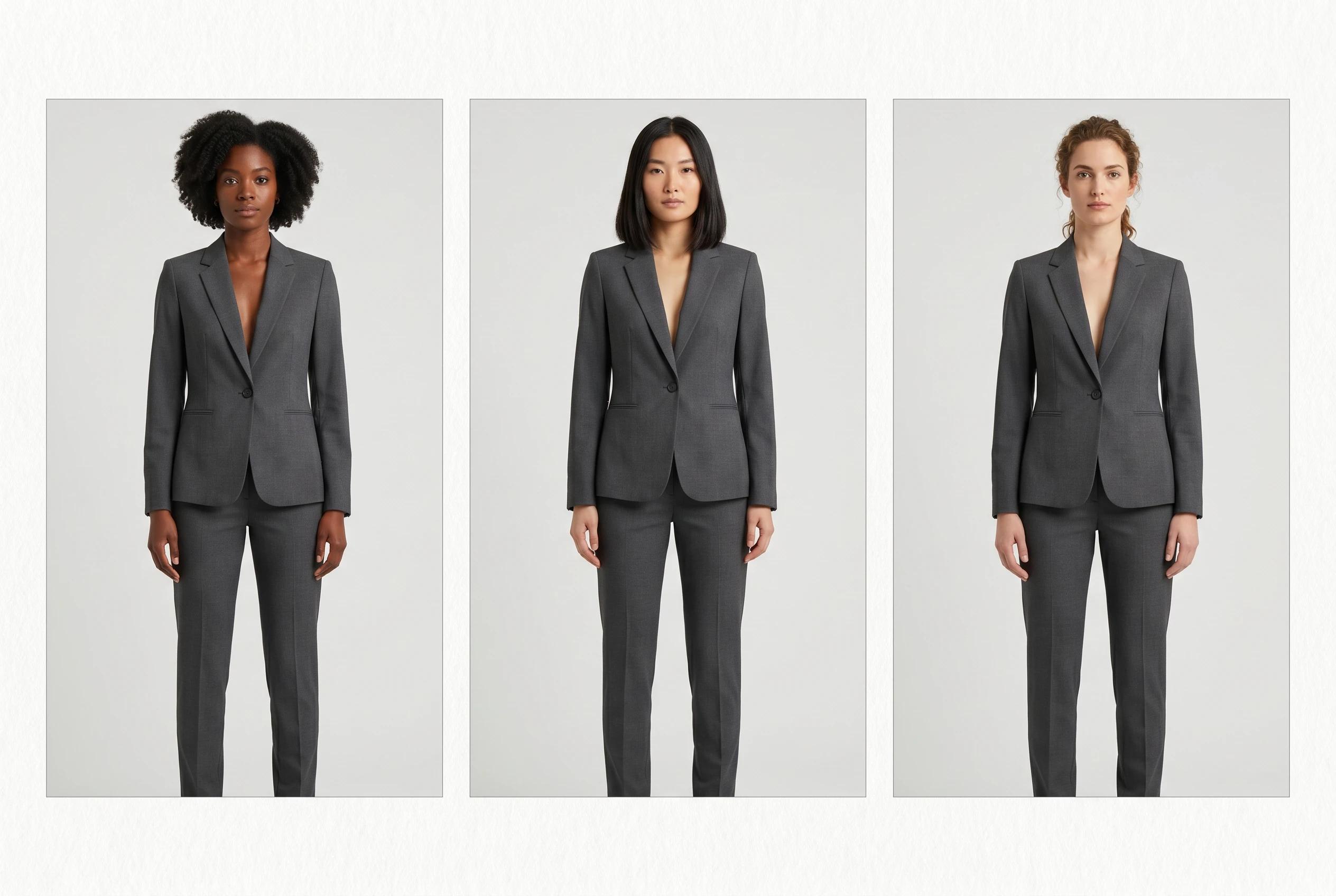
When teams get this right, the model mix feels broader without the catalog feeling unstable.
Expand representation where it will do the most work first
Not every SKU needs the same level of model variation on day one.
Start where broader representation helps both the customer and the business:
- Hero products that carry launch traffic and homepage exposure
- Fit-sensitive categories like dresses, trousers, tailoring, and outerwear
- Best sellers that already attract enough traffic for improved imagery to matter quickly
- Paid and email assets that introduce the collection before the shopper reaches the PDP
This is the same prioritization mindset behind How to prioritize on-model images across your fashion catalog. You do not need to regenerate everything equally. You need to improve representation where body context, brand perception, and reach matter most.
There is also a practical reason to start this way. Teams learn faster when they test the system on products that already receive attention. You can see quickly whether your crop rules hold, whether the model mix feels intentional, and whether the broader representation still supports garment clarity.
Build the workflow from the assets you already have
Many brands treat representation expansion like a casting problem that always starts from zero. In practice, it is often an asset workflow problem.
You may already have:
- Flat-lays that show product shape clearly
- Mannequin shots that hold structure well
- Existing on-model images with usable styling and lighting
- Older catalog assets that still describe the garment accurately
That is where a tool like Unstill becomes useful. Instead of rebuilding the whole shoot plan, your team can work from existing assets and create broader model coverage while keeping the rest of the visual system stable.
For example:
- A strong mannequin image can become a more inclusive on-model PDP frame without changing the product story
- One clean on-model still can be extended into alternate model presentations for email or paid
- A legacy product image can be refreshed so it fits the current catalog direction instead of sitting outside it
If your team is still deciding when to stay with mannequin clarity versus when to move to stronger body context, Mannequin vs model photography for ecommerce, when each works best gives the right baseline. The goal is not to force every asset into the same treatment. The goal is to use each source format where it best supports the next merchandising decision.
Review representation at grid level, not one image at a time
This is where strong strategy often breaks down. Teams approve individual images that look good in isolation, then discover the collection feels uneven once everything sits together.
Review the work where customers will actually see it:
- The collection grid
- The first image position on the PDP
- The launch email module
- The paid social crop
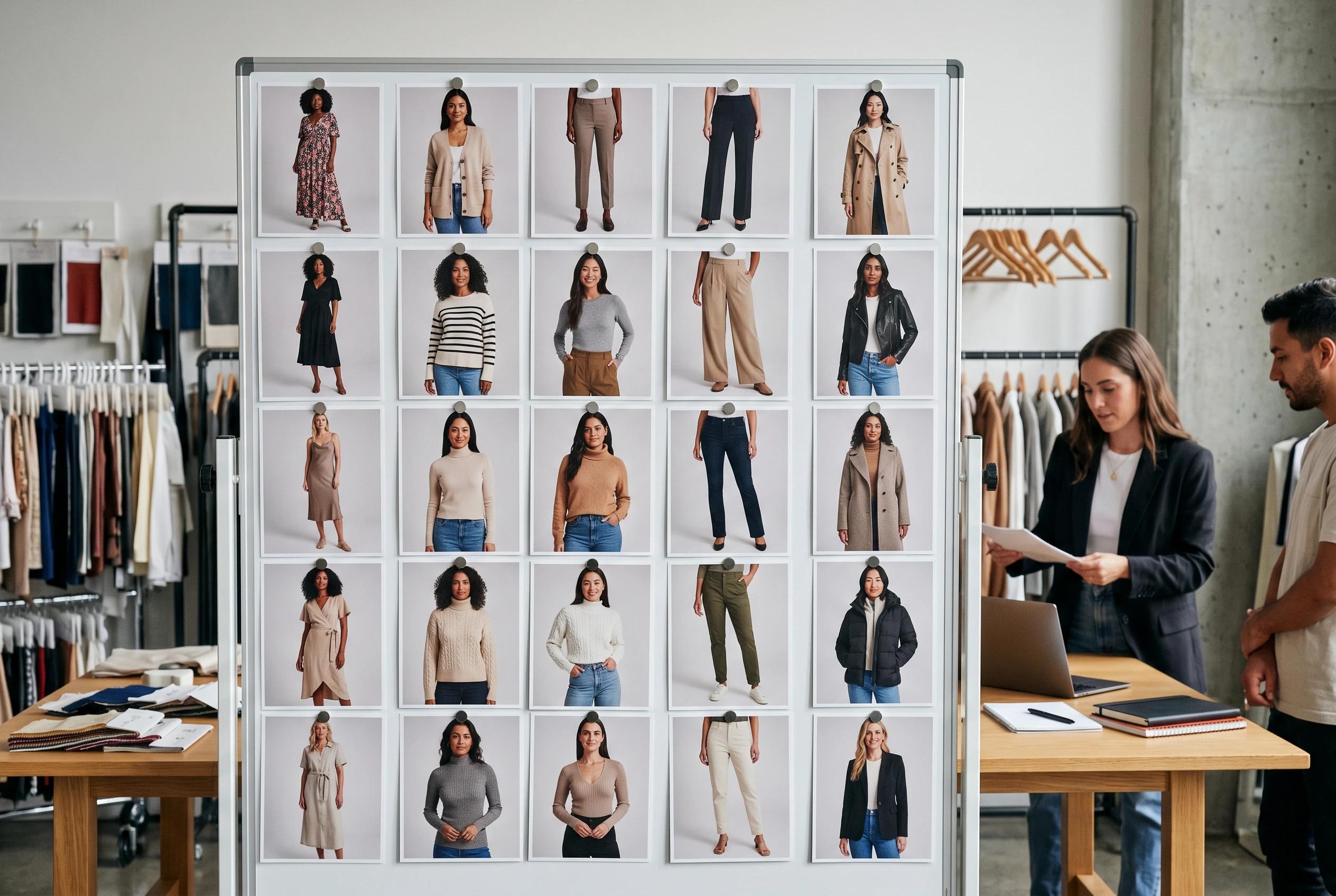
At that stage, ask practical questions:
- Can a shopper still compare similar products quickly?
- Do the models feel like they belong to the same brand world?
- Are crop, lighting, and pose logic staying consistent across categories?
- Does the broader representation improve the catalog without hiding fit information?
That last question matters. Representation should strengthen the customer’s ability to see themselves in the brand, but it should also preserve the selling job of the image. If the output is visually inclusive but commercially unclear, the workflow still needs tightening. How to Review AI Fashion Images Before Publishing is a useful final pass for that check.
The takeaway
Expanding model diversity does not have to compete with catalog consistency. The brands that do it well treat representation as a controlled part of the merchandising system, not as a one-off creative exception.
When framing, pose logic, styling discipline, and garment truth stay stable, you can broaden model coverage in a way that feels stronger, more useful, and more on-brand.
Try this on your next refresh
Pick one product family that already matters to the business, define the fixed visual rules first, and then use Unstill to extend model representation without rebuilding the rest of the catalog from scratch.