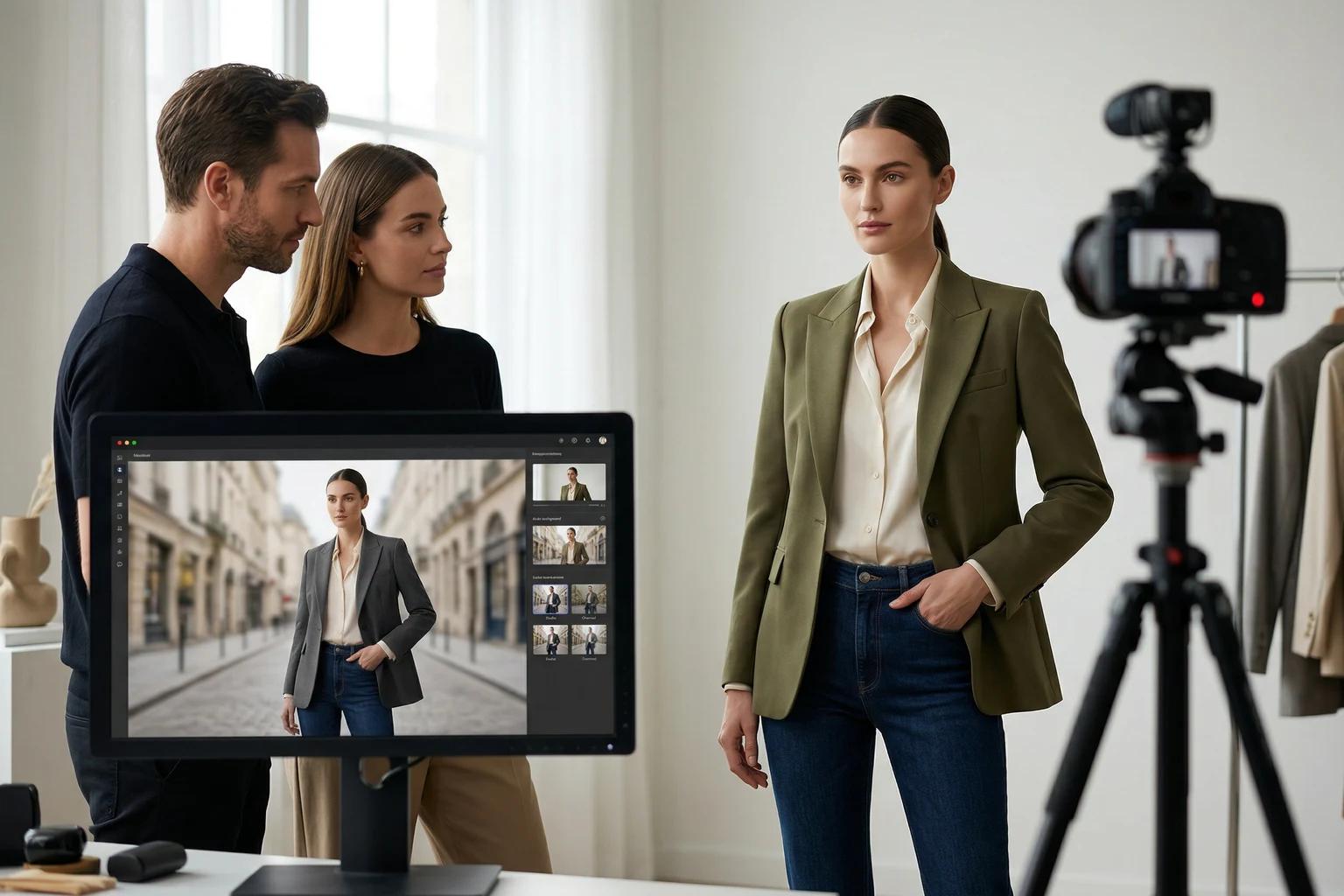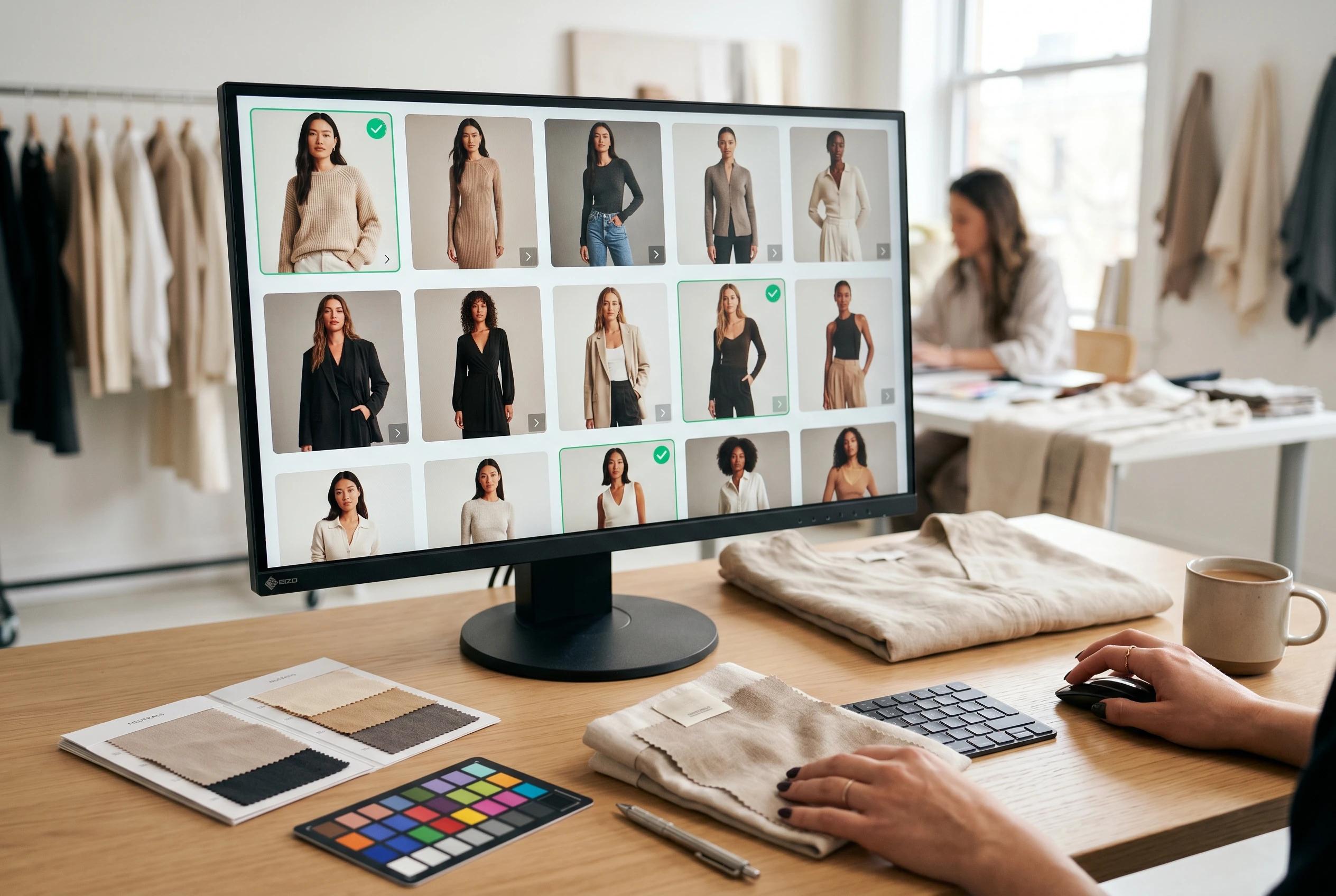
AI fashion images should not go live just because they look polished. A product image can feel premium at first glance and still fail the work it needs to do: show the garment clearly, support shopper confidence, and fit the rest of the catalog.
That is why the review step matters. The best fashion ecommerce teams do not treat AI generated visuals as finished assets the moment they render. They review them like merchandise, not like experiments. They ask whether the garment is still truthful, whether the model and pose help the product, and whether the image belongs in the channel where it will be used.
This article gives you a practical approval framework for reviewing AI fashion images before they reach product pages, collection grids, email, ads, or social.
Start with the job of the image
Before reviewing details, decide what the image is supposed to do.
A PDP hero needs clarity. A secondary PDP image may need movement, styling context, or detail support. A collection page image needs strong recognition at small sizes. A paid social asset can carry more energy, but the garment still has to be understandable.
If the destination is unclear, review becomes subjective. One person chooses the image that feels most editorial. Another chooses the one with the cleanest garment read. Both may be right for different channels, but only one is right for the current job.
Use a simple first question:
- Is this image meant to help a shopper evaluate the product?
- Is it meant to help the product stand out in a grid?
- Is it meant to carry a campaign or social message?
- Is it meant to refresh an older asset without changing the product story?
Once the job is clear, the rest of the review becomes sharper. If your team is building product page galleries, how to build a fashion PDP image sequence that helps shoppers decide faster is a useful companion because it explains what each image in the sequence should contribute.
Check garment truth before visual taste
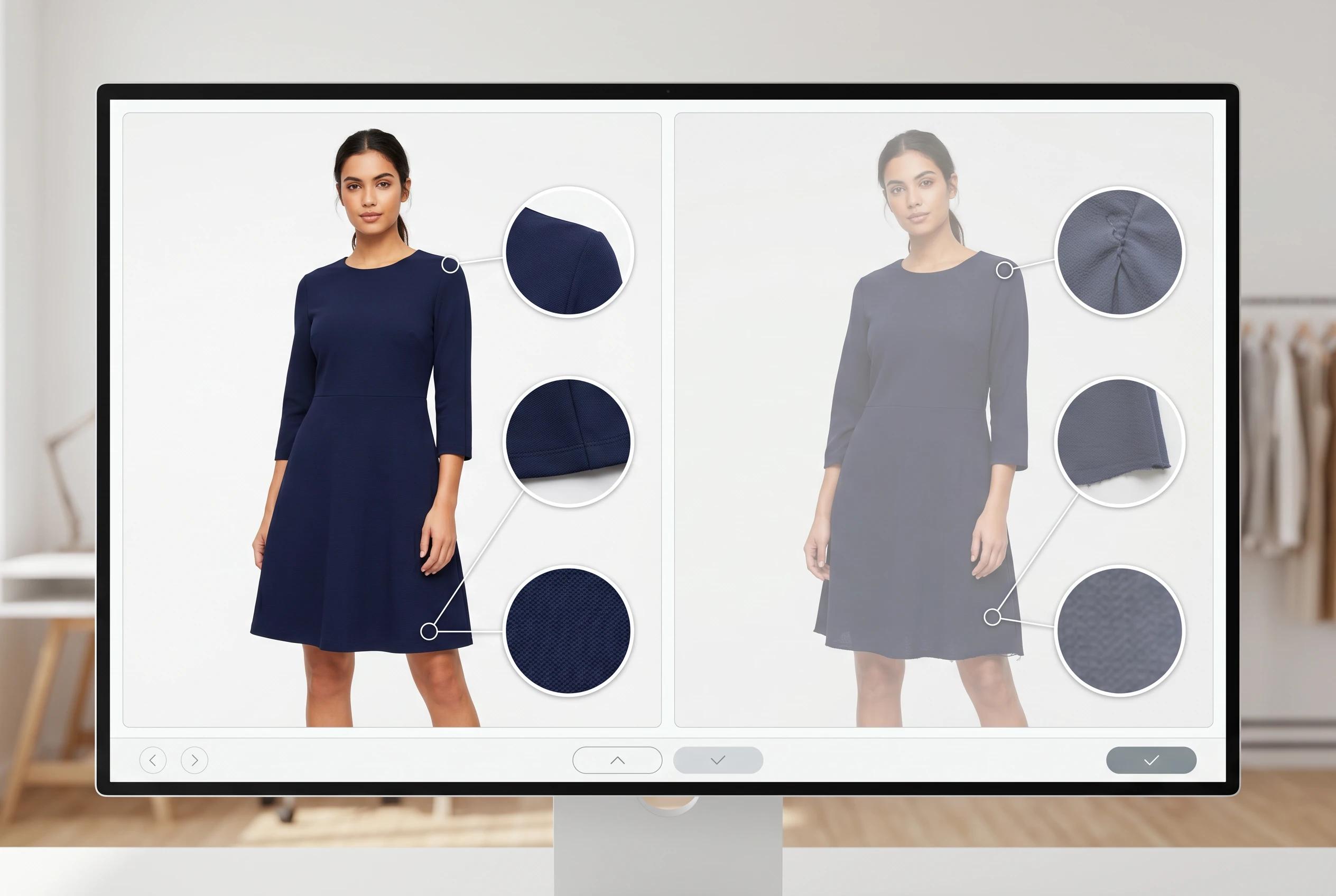
Garment accuracy is the first approval gate. If the product no longer reads as itself, the image should not move forward, even if the frame looks attractive.
Review the garment from the outside in:
- Does the silhouette match the source product?
- Are sleeve length, hemline, neckline, rise, and proportions still believable?
- Does the fabric behave in a way that fits the garment?
- Are seams, closures, pockets, waistbands, and trim still placed correctly?
- Has the color shifted enough to create shopper confusion?
This is especially important for categories where fit and structure carry the sale: dresses, trousers, tailoring, outerwear, swim, activewear, and occasion pieces. A small shape drift can change the perceived product.
Good review discipline starts before generation too. If the source photo hides important details, the output has less reliable information to preserve. For input standards, how to prepare product photos for the best UNSTILL results covers the source-photo choices that make later approval easier.
Review fit clarity like a shopper would
A fashion image can be technically clean and still leave the customer unsure.
Look at the output as if you were deciding whether to buy the garment. Can you understand length, volume, neckline, shoulder shape, waist placement, and drape quickly? Does the pose help or hide the fit? Are hands, hair, accessories, or movement blocking the information the shopper needs?
This is where teams often overvalue drama. A more expressive pose may look stronger in a creative review, but if it twists the garment, hides the sleeve, or makes the hem difficult to read, it may be weaker for commerce.
For PDP use, the safest approved image is often not the most dramatic one. It is the one that answers the shopper's question fastest.
Use this standard:
- The garment should read before the model styling.
- Fit should be understandable without zooming.
- The pose should reveal more than it hides.
- The image should still make sense in a mobile viewport.
That does not mean every image has to be static. It means movement should be useful. A soft dress may benefit from a slight turn because it shows drape. A tailored blazer may need a steadier pose because structure is the point. If pose decisions are a recurring issue, fashion model poses for ecommerce product pages gives a more detailed framework.
Make model choice part of quality control
Model selection is not only a brand decision. It is also a quality decision.
An AI generated image should show the garment on a model who supports the product, the customer, and the broader catalog system. That includes representation, but it also includes proportion, styling energy, posture, expression, and how the model fits the brand world.
Review model choice with a few practical questions:
- Does this model direction feel consistent with the brand's current catalog?
- Does the model help the garment feel more understandable or more distracting?
- Does the image expand representation without making the page feel random?
- Would this output look natural next to nearby products in the same collection?
The goal is controlled range, not sameness. A catalog can show variety and still feel coherent. The problem starts when every output looks like it came from a different creative direction.
For teams building repeatable rules inside Unstill, how to choose models, poses, and backgrounds that fit your brand in UNSTILL explains how to make those choices before generation instead of debating them after the fact.
Compare the image against the catalog, not only the source
AI image review should not happen in isolation. A single image can pass a close-up quality check and still fail when placed into a collection page.
Put the candidate next to neighboring products, especially items from the same drop, category, or merchandising story. Look for mismatches in crop, scale, lighting, background, model energy, and garment size within the frame.
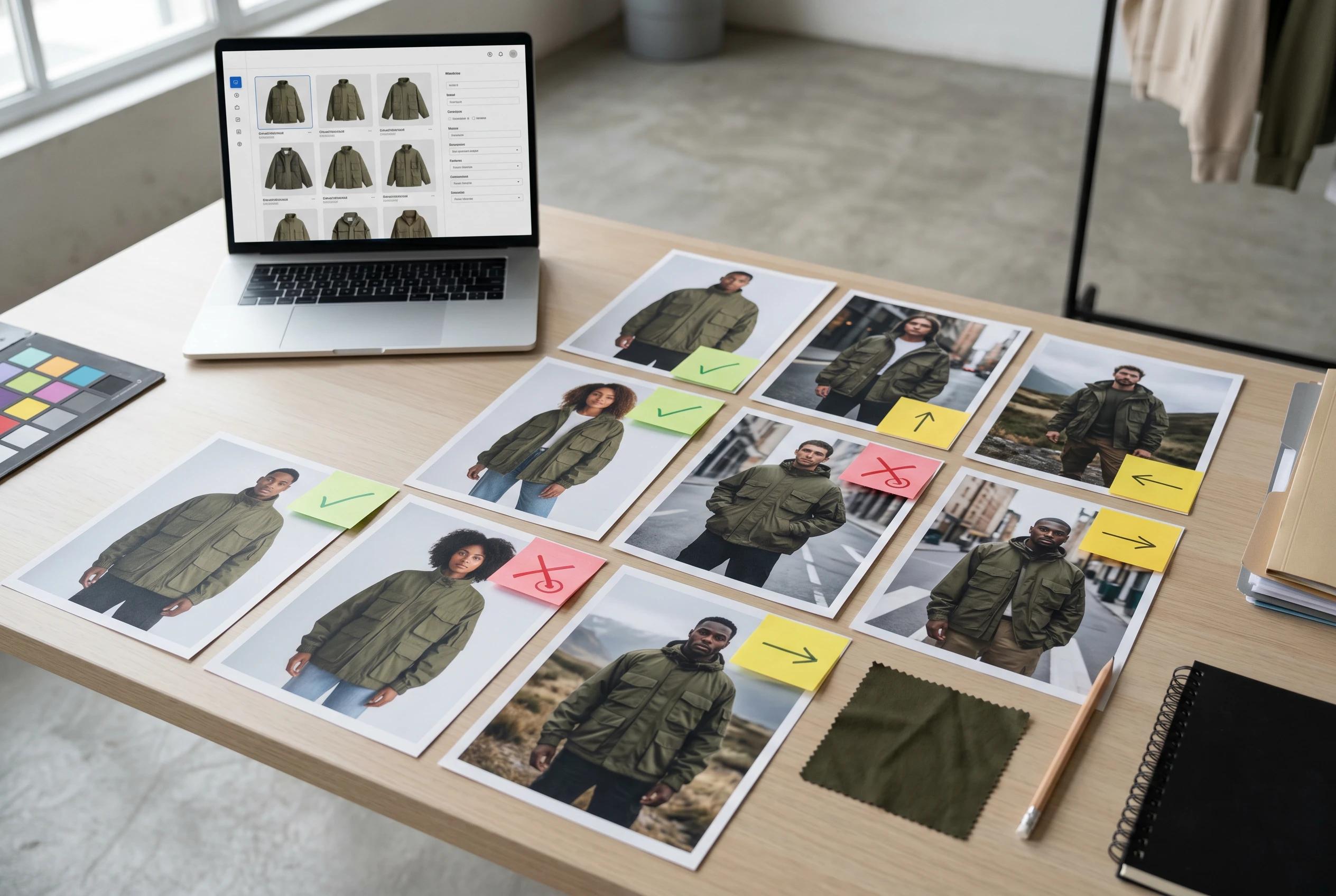
The question is not whether every image is identical. The question is whether the system feels intentional.
A useful review board should include:
- The source image
- The best AI generated output
- Nearby live catalog assets
- The intended PDP, collection, or campaign placement
- Notes on what passed, what failed, and what should be retried
This prevents one-off approval decisions from slowly weakening the site. If the bigger challenge is consistency across many SKUs, how to keep product images consistent without reshooting every SKU gives a broader operating model.
Decide whether to approve, retry, or redirect
Not every imperfect image deserves another retry. Some outputs are close enough to fix with a different crop or channel placement. Others should be rejected because the product has drifted too far.
Use three review outcomes instead of only approve or reject.
Approve
Approve the image when the garment is truthful, the fit is clear, the model and background fit the brand, and the asset works for the intended placement.
This is the file that can move into export, PDP upload, campaign layout, or team handoff.
Retry
Retry when the core idea is right but one controllable choice needs adjustment.
Maybe the pose is hiding the side seam. Maybe the background feels too busy for a product page. Maybe the model direction is close but not quite aligned with the rest of the collection. A retry should have a diagnosis, not just a vague hope that the next version will be better.
Redirect
Redirect when the image is good but wrong for the original job.
A frame that is too expressive for a PDP hero might work for email. A clean output that feels too quiet for paid social may still be useful in a product page gallery. This is where teams get more value from a generation without forcing every asset into the same role.
For later workflow decisions, how to review, export, upscale, and create videos in UNSTILL covers what happens after an image has passed the review stage.
Keep a lightweight review record
You do not need a large quality-control system to improve AI fashion image review. You do need a shared memory of what your team is learning.
Keep short notes on approved outputs and failed outputs. Capture the reason, not just the result. Over time, patterns will appear:
- Certain garment types need simpler poses.
- Certain backgrounds work better for PDPs than collection pages.
- Some source-photo crops create repeat quality issues.
- Some model directions fit the brand better than others.
- Certain categories need stricter color review.
These notes make the next batch better. They also reduce subjective review cycles because the team can point back to a known standard instead of restarting the taste debate every time.
This is where a workflow inside Unstill becomes more useful than a one-off edit. You can test source images, model direction, pose, background, and channel use in a controlled way, then build repeatable rules for future products.
Final review checklist
Before publishing an AI fashion image, run through this checklist:
- The garment still matches the source product.
- Fit, length, drape, and structure are easy to understand.
- Color and fabric cues feel commercially reliable.
- The model supports the brand and product category.
- The pose reveals important product information.
- The background fits the destination without distracting.
- The crop works on mobile and in the intended page slot.
- The image feels consistent beside nearby catalog assets.
- The asset has a clear channel role.
- Any retry has a specific reason.
The point is not to slow the team down. It is to prevent weak assets from moving fast in the wrong direction.
Treat approval as part of the creative system
AI fashion photography is most useful when it becomes part of a disciplined content workflow. The generation matters, but the approval step decides whether the image is commercially useful.
Strong review protects garment truth, fit clarity, brand consistency, and shopper confidence. It helps teams move faster without letting the catalog become inconsistent or vague.
If your team is working from flat-lays, mannequin shots, or older on-model photos, use Unstill to create new fashion visuals, then review them with the same merchandising standards you would apply to any publish-ready product image.